
The AI Document Assistant That Never Leaves Your Computer
Enhance contracts, highlight material risks, and polish briefs — All with local AI. Zero cloud. Zero risk. Maximum productivity.
Cloud AI Puts Your Practice at Risk
ChatGPT, Copilot, and Claude all transmit documents to the cloud. For lawyers, CPAs, and compliance-bound teams, that's a non-starter.
Ethics & Privilege
Attorney-client privilege and work product rules prohibit sharing sensitive content with cloud tools.
Regulatory Exposure
HIPAA, SEC, GDPR — one leak can trigger investigations, fines, and lost clients.
Client Trust
Your reputation is built on confidentiality. BrioDocs keeps everything on your machine.
BrioDocs: AI That Works Like Your Paralegal — And Never Leaves Your Office
Install in minutes. Use directly in Word. Enhance, analyze, and cite from your own precedent library — with zero cloud dependency.
Complete Privacy
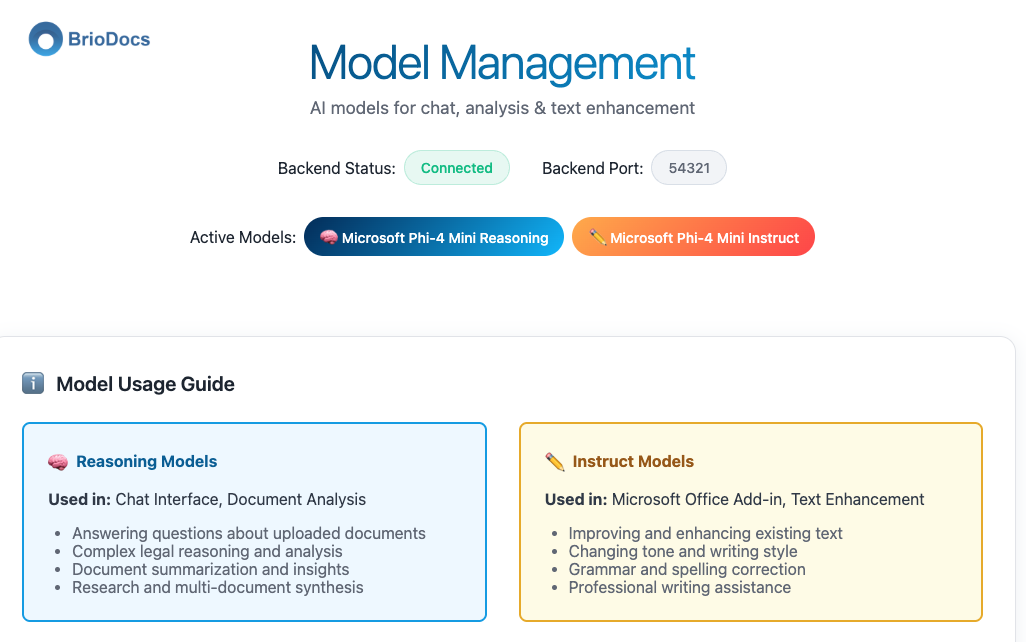
All processing is 100% local. Operates fully offline and air-gapped.
Seamless in Word
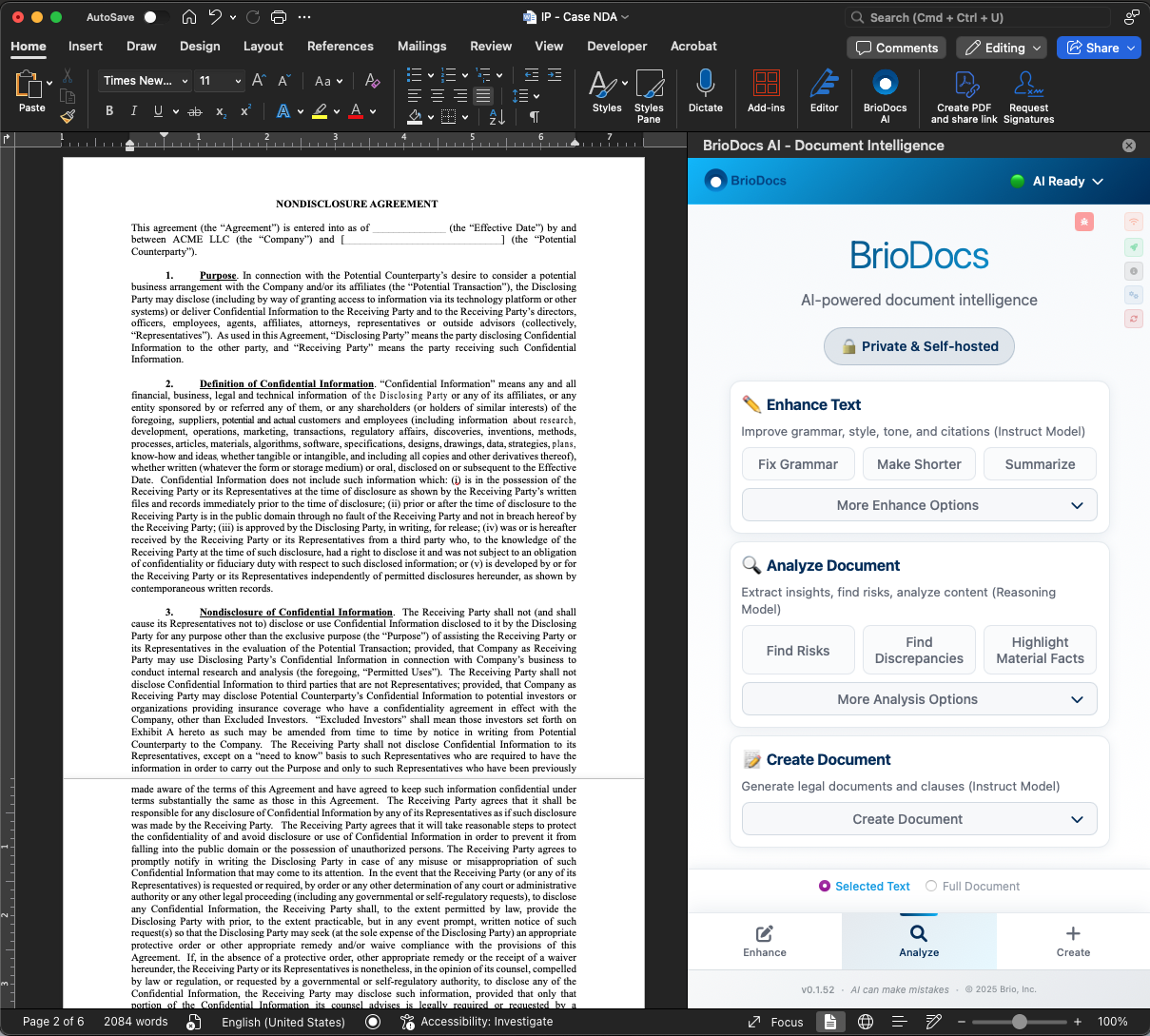
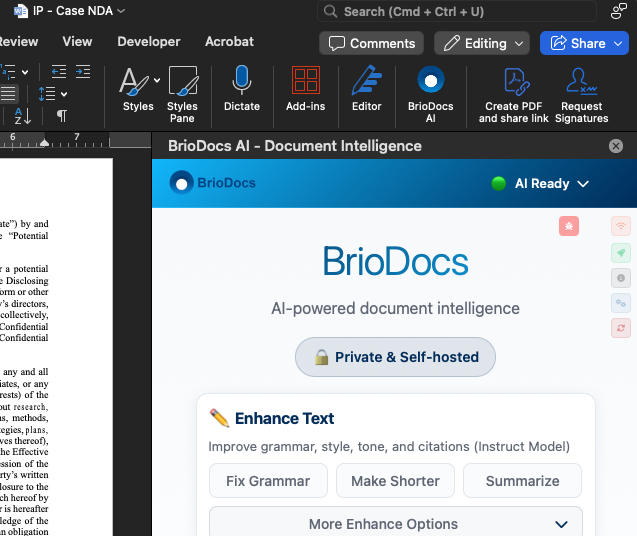
BrioDocs appears as a ribbon tab. Improve clarity, tone, and structure in one click.
Precedent-Aware
Index your documents once. Get suggestions and citations aligned to your firm's style.
Two Ways to Work
Choose your workflow. Same powerful AI, different entry points.
Microsoft Word Add-in
Enhance documents without leaving Word
Install
3-click setup. No IT, no command line.
Open Word
BrioDocs tab appears in your ribbon.
Enhance
Select text → Improve clarity, tone, or flow.
Analyze
Ask BrioDocs to find risks and discrepancies.
Create
Generate content based on best practices.
BrioDocs Desktop
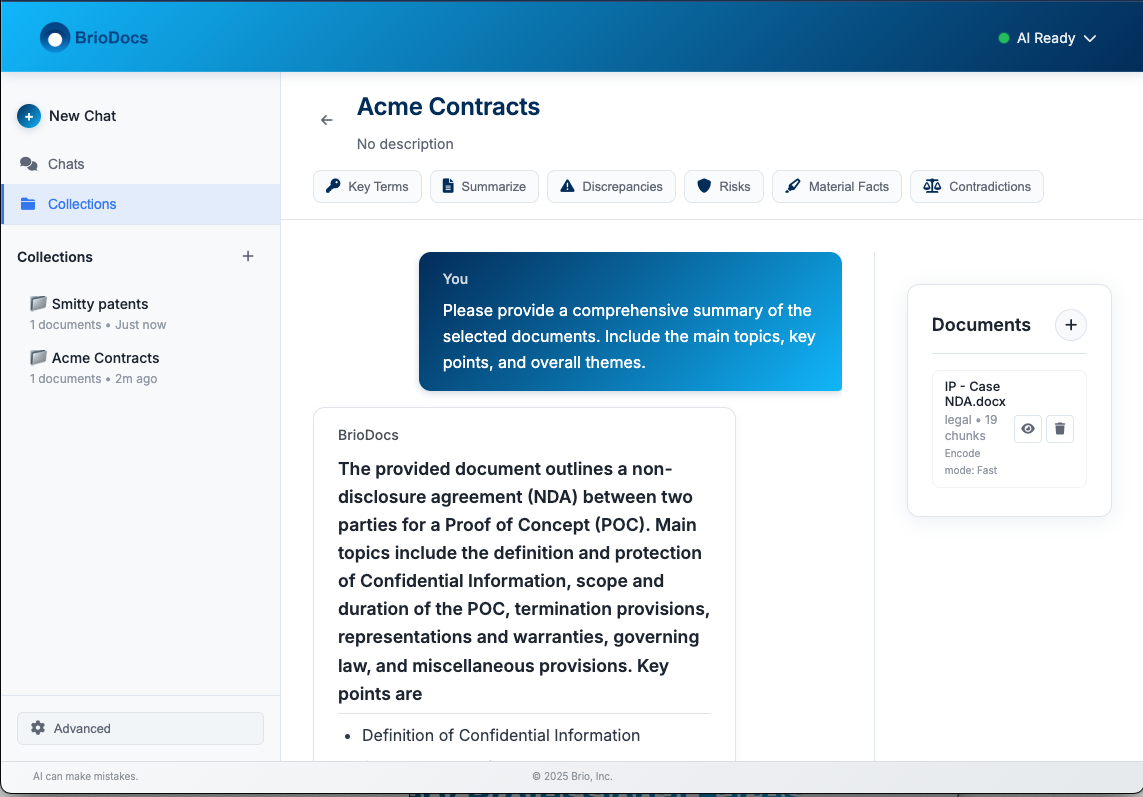
Chat with your documents directly
Upload
Drop in contracts, briefs, reports — any documents.
Chat
Ask questions naturally. Get grounded answers.
Insights
Auto-generated summaries, key facts, obligations.
Organize
Group documents into notebooks. Chat across all.
Listen
Turn documents into AI podcasts for on-the-go review.
What You Can Do
Powerful capabilities designed for how professionals actually work.
Chat with Documents
Upload any document and start a conversation. Ask about specific clauses, request summaries, or dig into details. Answers grounded in your actual content.
Notebooks
Group related documents together — your entire case file, deal room, or research project. Chat across all of them simultaneously to find connections.
AI Insights
The moment you upload, BrioDocs gets to work. Summaries, key facts, obligation mapping, and domain-specific analysis — automatically.
AI Podcasts
Can't read another 50-page contract? Turn it into a podcast. Natural AI discussions about your documents. Listen during your commute.
Word Add-in
Enhance and analyze directly in Microsoft Word. Improve clarity, find risks, generate content — all from your ribbon. One click, full power.
Built for Professionals
Legal: Draft Faster
Enhance contracts and briefs, preserve formatting, and maintain Bluebook citations.
Legal: Research Smarter
Chat with your document library to surface key clauses and arguments.
Legal: Review Opposing Docs
Extract claims and weaknesses from PDFs — all locally.
What Professionals Are Saying
Join the growing community of professionals who trust BrioDocs for their most sensitive work.
Ready to try AI without the risk?
Install BrioDocs in 3 clicks and start enhancing your documents today.